
Free Amazon product research tools can help sellers screen demand, read customer pain points, and validate listing ideas before buying a larger software stack. The strongest starting point is Amazon-native data where your account has access, including Product Opportunity Explorer, Brand Analytics, customer reviews, experiments, and advertising reports.
Quick Summary
Signal | Use |
Demand | Search and niche signals |
Customer pain | Reviews and questions |
Validation | Experiments and ads |
Brand fit | Listing and competitor gaps |
Best Free Amazon Product Research Tools
Tool | Best use | How to use it |
Niche and demand discovery | Review search, purchase, review, price, and niche signals for product ideas. | |
Brand-level search and customer dashboards | Use available dashboards to understand search, behavior, and catalog performance. | |
Product pain-point mining | Filter reviews and turn recurring buyer feedback into product and listing notes. | |
Listing validation | Test eligible content changes instead of guessing what improves conversion. | |
Keyword and demand validation | Use ad search-term learning to understand which queries produce buyer engagement. | |
Amazon Best Sellers and category pages | Trend spotting | Manually inspect category leaders, positioning, review counts, and buyer language. |
1. Product Opportunity Explorer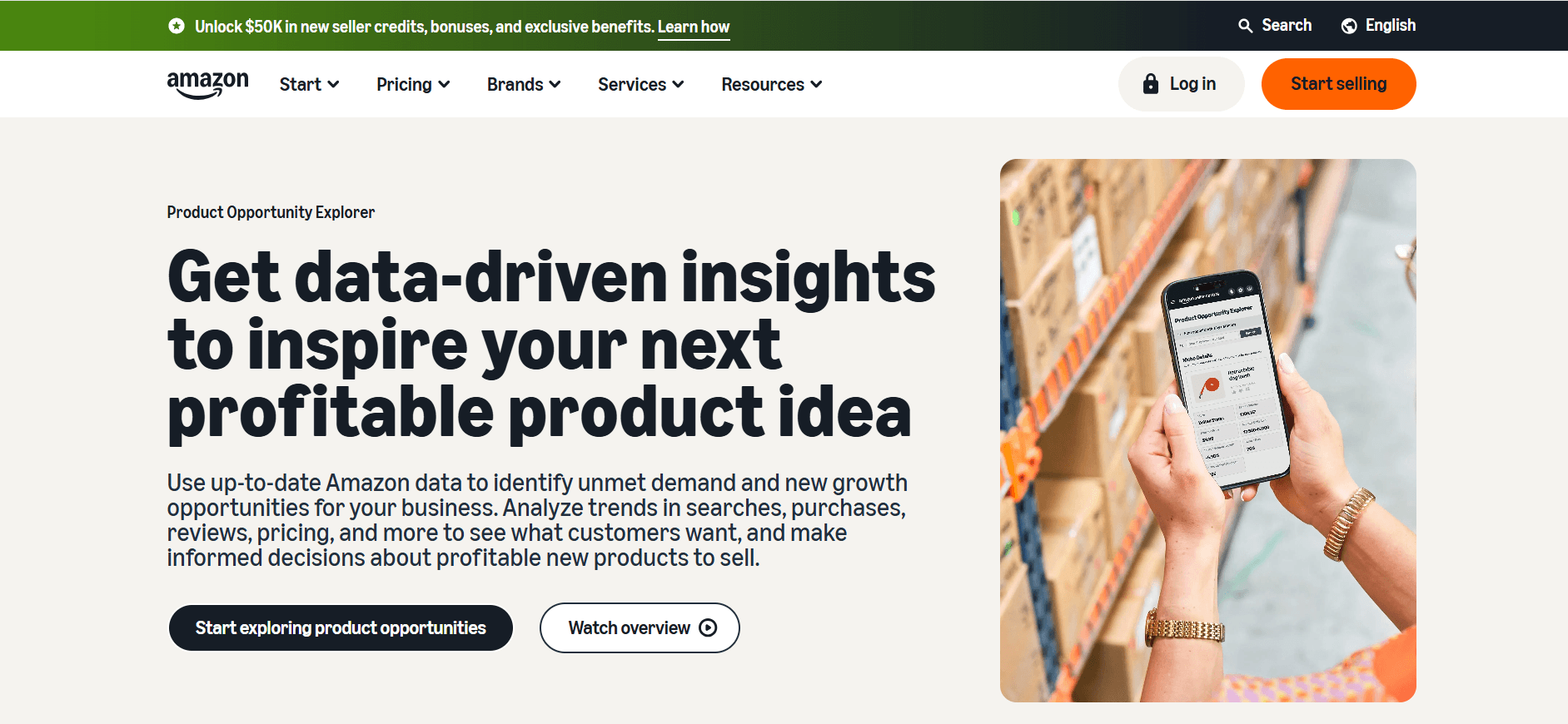
Product Opportunity Explorer is one of the strongest free starting points because it is built around Amazon marketplace behavior.
Use it to check whether a niche has enough search and purchase activity, how products are priced, how customers review existing offers, and whether demand appears stable or seasonal.
The goal is not to find a “winning product” in one click. The goal is to remove weak ideas early.
Look for niches where:
- Shoppers are already searching
- Purchases are happening
- Reviews show repeated customer needs
- Existing products leave room for improvement
- The market is not entirely controlled by a few dominant competitors
A high-demand niche is not automatically a good opportunity. If competitors are strong, prices are falling, and reviews show few fixable complaints, the category may be harder to enter than it looks.
2. Amazon Brand Analytics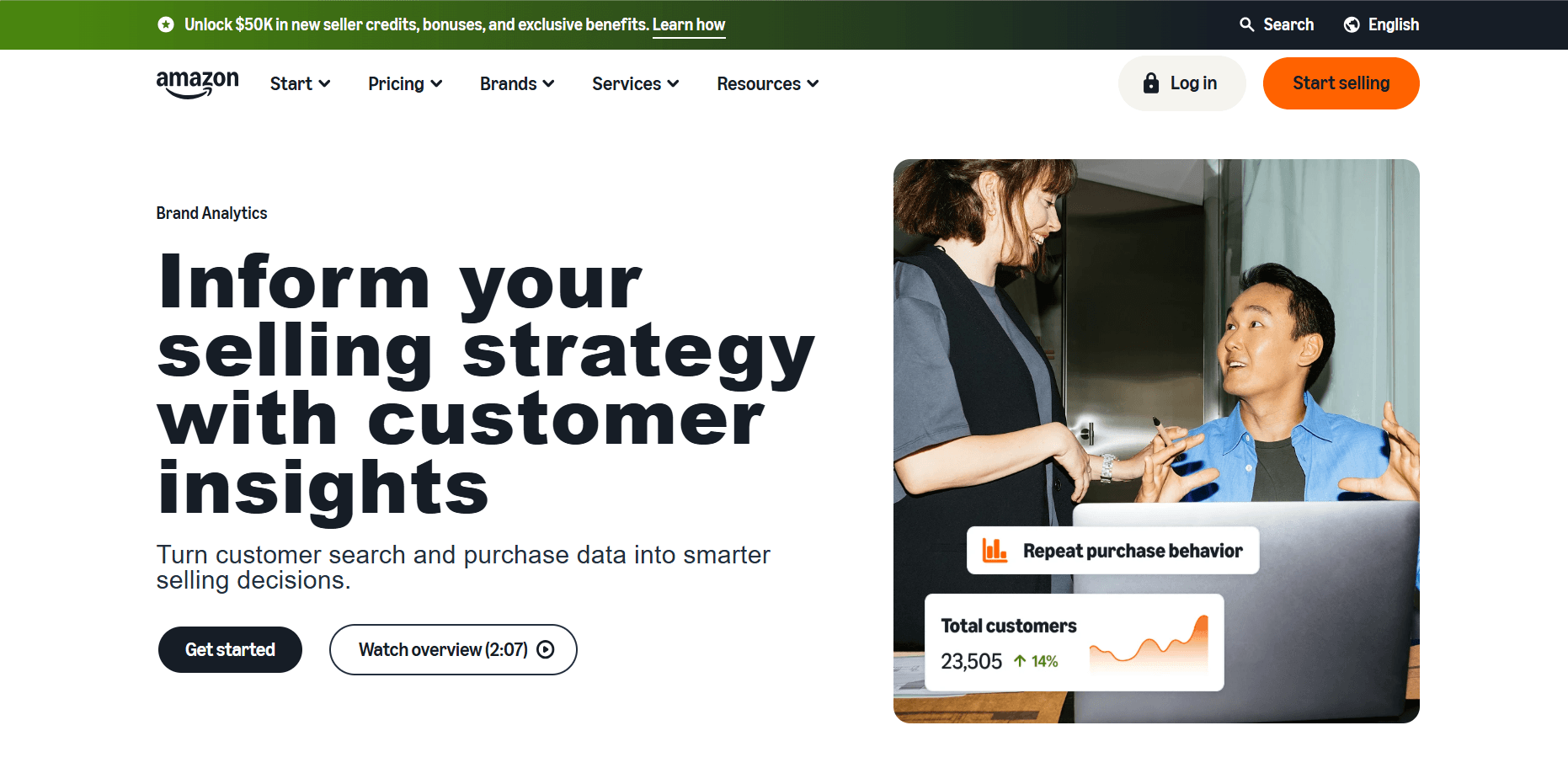
Amazon Brand Analytics is useful for sellers who have access through Brand Registry and an eligible selling account.
It can help sellers understand how customers search, which terms matter, and how shoppers interact with products in the catalog. For product research, this is valuable because it connects keyword interest to actual marketplace behavior.
Use Brand Analytics to look for:
- Search terms connected to your product idea
- Products that appear often for important queries
- Customer behavior patterns
- Possible bundle or cross-sell ideas
- Gaps between what shoppers search for and what existing products offer
Brand Analytics is not available to every beginner, so it should not be treated as a universal free tool. But if you already have access, it is one of the most useful no-extra-cost research sources.
3. Customer Reviews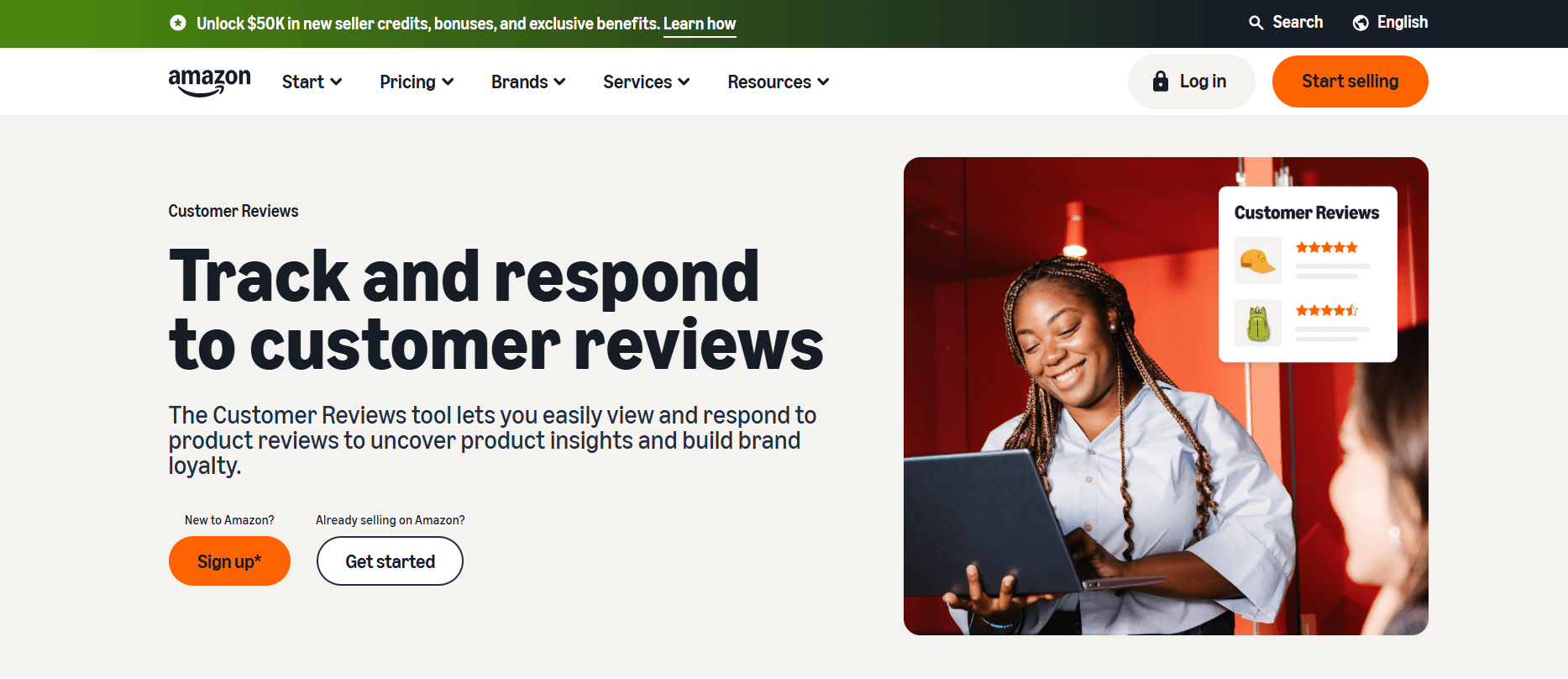
Customer reviews are one of the best free sources for product research because they show what happens after the purchase.
Keywords show what shoppers are looking for. Reviews show whether the product actually met expectations.
Read reviews to find:
- Quality issues
- Missing features
- Size, fit, or durability complaints
- Packaging problems
- Confusing instructions
- Repeated praise
- Buyer language you can use in listing copy
Do not only read five-star reviews. Three-star and two-star reviews are often more useful because buyers usually explain both what worked and what disappointed them.
If the same complaint appears across several competing products, it may point to a real product gap. That gap can shape your product specs, main image, title angle, bullet points, and A+ Content.
4. Manage Your Experiments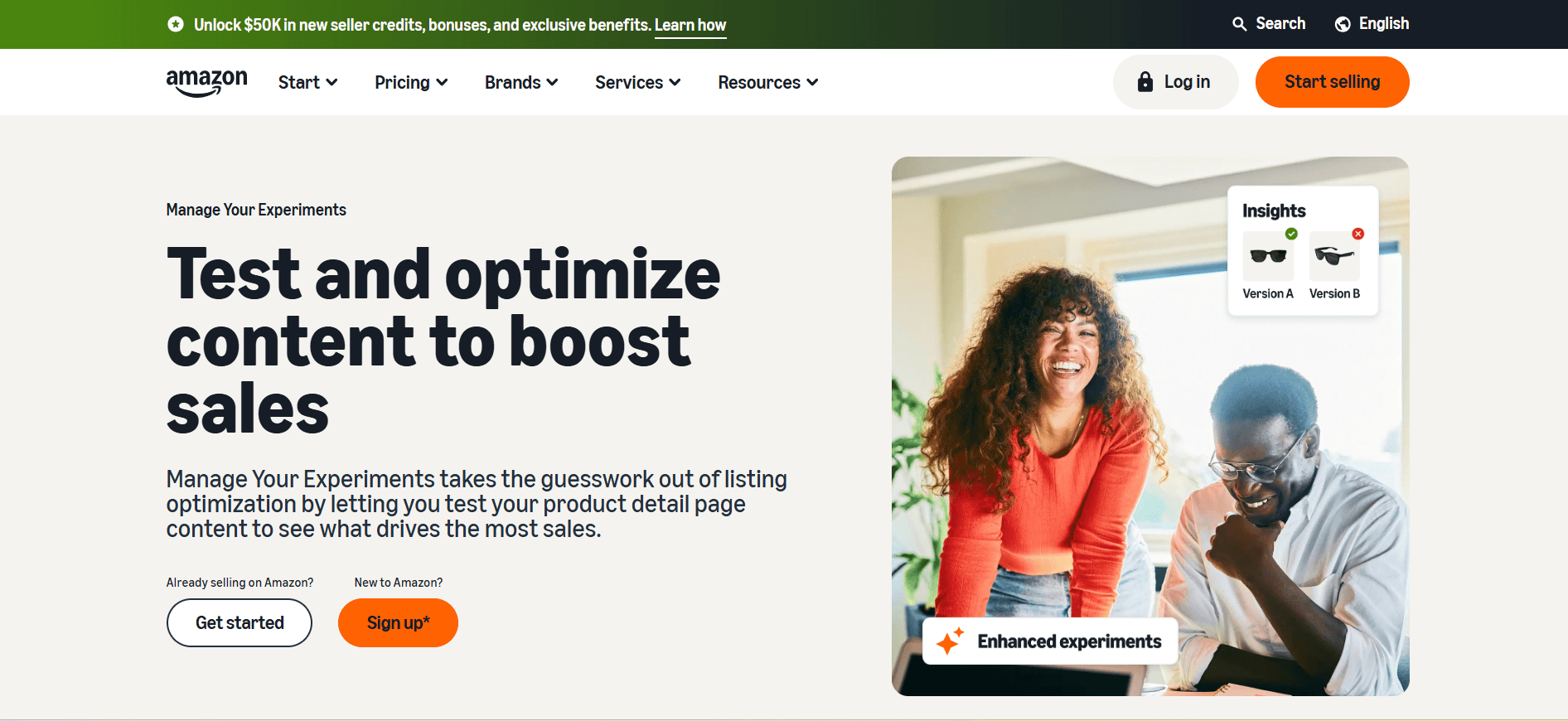
Manage Your Experiments helps eligible sellers test listing changes instead of guessing what will improve performance.
This is not usually the first tool for finding product ideas. It is more useful once you already have a listing and want to validate positioning.
Use it to test:
- Product titles
- Main images
- A+ Content
- Feature-led vs benefit-led messaging
- Pain-point language vs specification language
This becomes more powerful after review research. If customers repeatedly complain about one issue, you can test whether addressing that issue more clearly improves listing performance.
5. Sponsored Products Reports
Sponsored Products reports can support product research if you are already running ads.
Search-term data can show which queries attract impressions, clicks, and buyer engagement. This helps sellers understand how customers actually describe the product.
Use ad reports to find:
- Search terms with buyer interest
- Unexpected customer language
- Keywords that get clicks but do not convert
- Product attributes shoppers appear to care about
- Terms worth testing in titles, bullets, or backend keywords
Ad reports are not “free” in the purest sense because campaigns cost money. But if you are already advertising, the data can become a useful research source.
6. Amazon Best Sellers and Category Pages
Amazon Best Sellers pages and category pages are simple, but they are still useful for market scanning.
They show which products are visible, how leading listings position themselves, what price ranges are common, and how many reviews top products have.
When reviewing category pages, look for:
- Common product formats
- Price clusters
- Repeated feature claims
- Image and packaging patterns
- Review-count gaps
- Newer products breaking into the category
- Buyer language in titles, bullets, and reviews
The point is not to copy a bestseller. The point is to understand what the category rewards and where customers still seem underserved.
What Free Tools Can Tell You, and When to Go Deeper
Free Amazon product research tools are best for early screening. They help you check whether a niche has demand, what competitors are selling, and what buyers complain about before you pay for software.
That is enough when you are still comparing categories or building a shortlist. Product Opportunity Explorer, Brand Analytics, Best Sellers pages, reviews, questions, experiments, and ad reports can all give useful directional signals.
The limit appears when you need to compare many ASINs or turn hundreds of reviews into a clear product decision. Manual notes get messy fast. Repeated complaints are easy to miss, and different team members may group the same feedback in different ways.
That is where VOC AI fits. Use free tools to decide whether a product deserves deeper research. Use VOC AI when you need structured review analysis, competitor comparison, recurring pain points, and buyer language that can support product, listing, and positioning decisions.
How VOC AI Helps After Free Research
VOC AI works best after you already have a shortlist of products, competitors, or ASINs to study.
For example, you might use Amazon-native tools to find a promising category, then collect competing ASINs and use VOC AI to understand what buyers repeatedly praise, dislike, request, or compare.
That can help answer questions like:
- Which complaints appear across multiple competitors?
- Which product features matter most to buyers?
- What language do customers use to describe the problem?
- Are negative reviews pointing to fixable issues?
- Which competitor weakness could become your positioning angle?
- What should be emphasized in the title, images, bullets, or A+ Content?
This makes VOC AI a deeper layer after free research, not a replacement for it. Free tools show where to look. VOC AI helps turn customer feedback into clearer product and listing decisions.
FAQ
Are free Amazon product research tools enough?
Free Amazon product research tools are enough for early screening, category research, review reading, and basic demand checks. They are less effective when sellers need to compare many ASINs, organize large review sets, or make higher-risk product decisions.
Which free Amazon product research tool should I start with?
Start with Product Opportunity Explorer if your account has access. Then use Brand Analytics, customer reviews, category pages, experiments, and advertising reports based on your selling stage and available data.
Can I use customer reviews for product research?
Yes. Customer reviews are one of the most useful free product research sources. They reveal unmet needs, quality issues, buyer language, competitor weaknesses, and product features customers care about.
Do free tools replace paid Amazon product research software?
Not usually. Free tools reduce guesswork and help sellers build a shortlist. Paid tools can add scale, automation, structured review analysis, competitor comparison, and cleaner reporting.
When should I pay for Amazon product research software?
Consider paying when manual research becomes too slow or inconsistent, especially before decisions involving samples, inventory, packaging, listing changes, or ad spend. That is when VOC AI can help organize customer feedback and competitor insight more efficiently.


