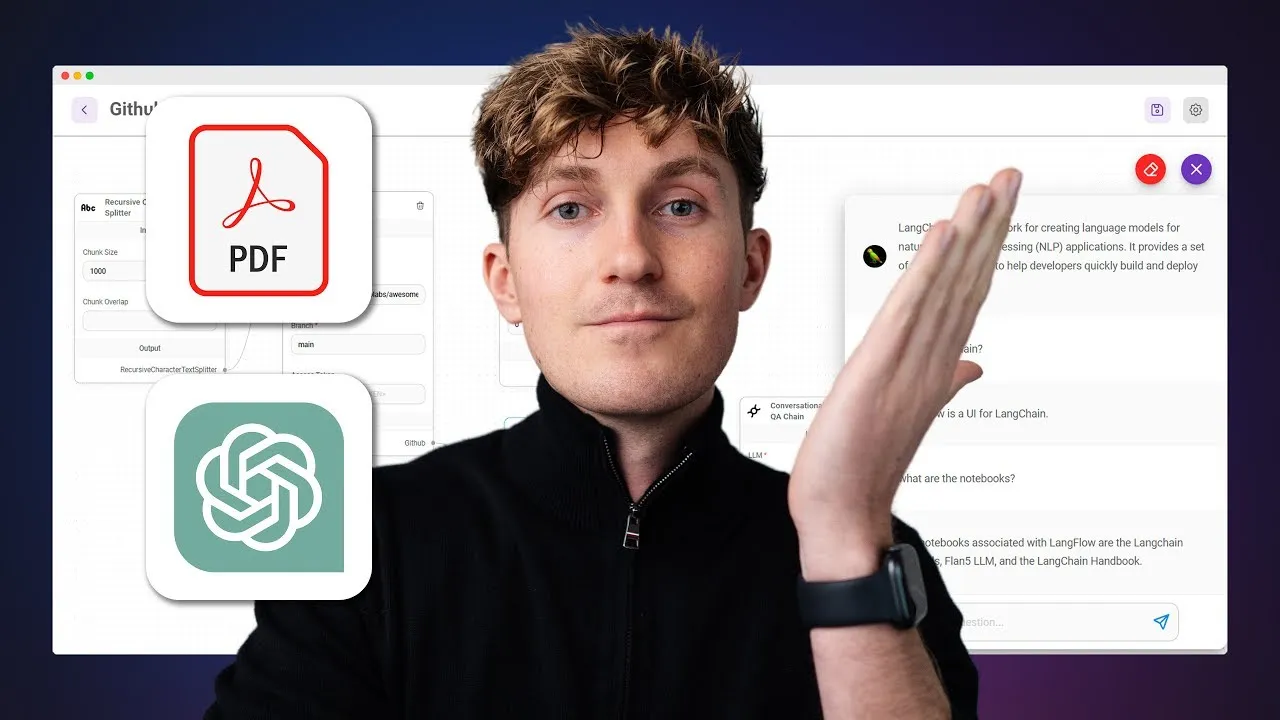
Building Large Language Models Apps with Flowwise
Are you looking for a way to integrate chat GPT with your own company data? Look no further than Flowwise, a visual UI Builder that lets you build large language models apps in just minutes. In this article, we'll show you how to set up Flowwise, connect building blocks, and create a conversational AI that can answer questions about your own data.
Table of Contents
- Introduction
- What is Flowwise?
- Setting up Flowwise
- Creating a Conversational AI
- Using Flowwise for Rapid Prototyping
- Embedding Flowwise into Your Own Applications
- Pros and Cons of Flowwise
- Highlights
- FAQ
What is Flowwise?
Flowwise is an open-source visual UI Builder that allows you to build large language models apps in just minutes. It uses Lang chain under the hood, which is extremely powerful in spinning up large language models apps. With Flowwise, you can prototype large language models apps, test their capabilities, and then scale from there.
Setting up Flowwise
To get started with Flowwise, you'll need an OpenAI API key and a Pinecone API key. OpenAI API key is free to set up, but it does require you to fill in a credit card because you will get charged very little amounts think of cents for every query that you do. Pinecone API key is currently also free to set up and doesn't require a credit card for this tutorial.
Once you have your API keys, you can visit the Flowwise GitHub repository and clone the whole repository. You can then use npm or Docker to start up the application. If you're using Docker, you'll need to install Docker and make sure that it's running.
Creating a Conversational AI
With Flowwise, you can create a conversational AI that can answer questions about your own data. To do this, you'll need to use building blocks to connect OpenAI with the embeddings and Pinecone. You can then upload a file and start chatting with data.
Using Flowwise for Rapid Prototyping
Flowwise is perfect for rapid prototyping. You can easily swap out document loaders, such as CSV, docx, Geto Pages, Json files, and PDF files. You can also chain together different building blocks to create a simple app.
Embedding Flowwise into Your Own Applications
Flowwise can be embedded into your own applications. You can create a simple python file and deploy it to a real server to turn it into a real endpoint that you can interact with.
Pros and Cons of Flowwise
Pros:
- Open-source
- Uses Lang chain under the hood
- Allows for rapid prototyping
- Can be embedded into your own applications
Cons:
- Limited documentation available
- Not suitable for building full end-to-end applications
Highlights
- Flowwise is an open-source visual UI Builder that allows you to build large language models apps in just minutes.
- With Flowwise, you can prototype large language models apps, test their capabilities, and then scale from there.
- Flowwise can be embedded into your own applications.
FAQ
Q: What is Flowwise?
A: Flowwise is an open-source visual UI Builder that allows you to build large language models apps in just minutes.
Q: What API keys do I need to use Flowwise?
A: You'll need an OpenAI API key and a Pinecone API key.
Q: Can I use Flowwise for rapid prototyping?
A: Yes, Flowwise is perfect for rapid prototyping.
Q: Can I embed Flowwise into my own applications?
A: Yes, Flowwise can be embedded into your own applications.
Q: Is Flowwise suitable for building full end-to-end applications?
A: No, Flowwise is not suitable for building full end-to-end applications.


