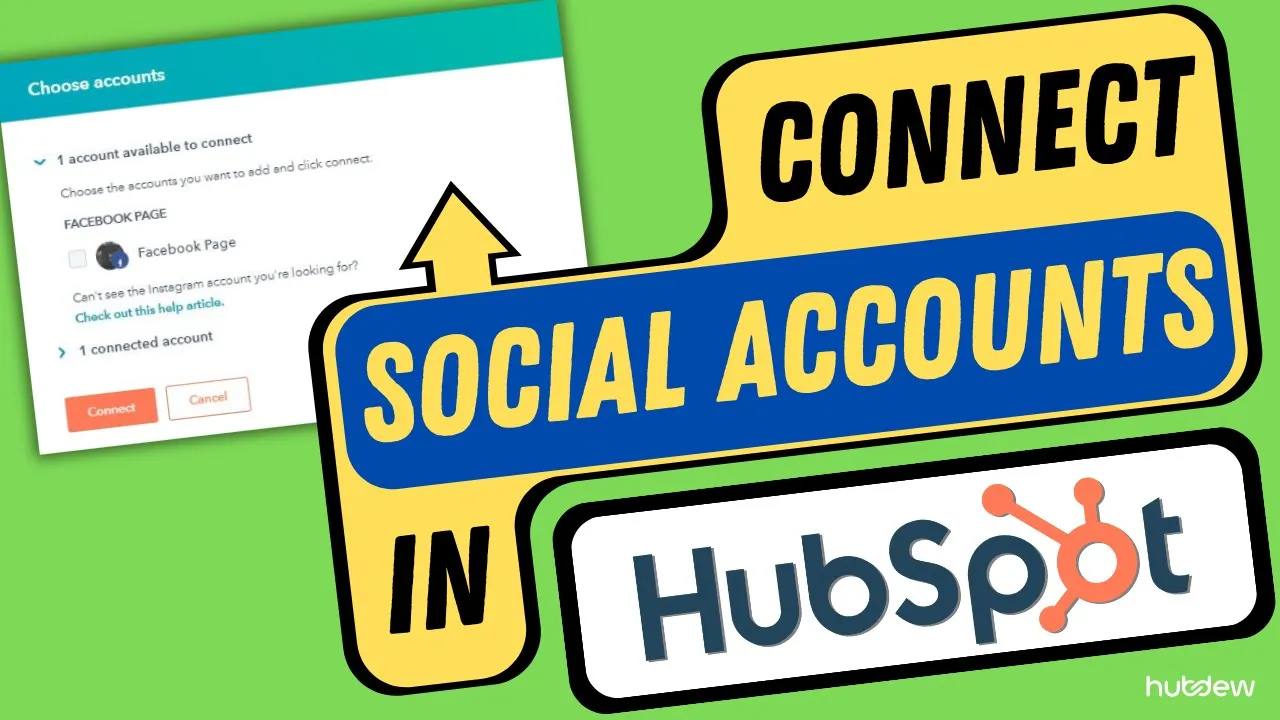
How to Connect Social Accounts and Hubspot
Are you looking to streamline your social media management? Hubspot offers a solution by allowing you to connect your social media accounts to your Hubspot account. Once connected, you can create and publish social media posts and analyze your social media account data and performance all from your Hubspot account. In this tutorial, we will guide you through the process of connecting your social media accounts to Hubspot.
Step 1: Navigate to Social in Hubspot
To connect your social media accounts to Hubspot, first, log in to your Hubspot account. Once logged in, navigate to the marketing section in the drop-down menu on the left sidebar. From there, click on the social tab located at the top of the page.
Step 2: Connect Your Social Media Accounts
In the upper right corner of the page, click on the "connect account" button. Hubspot allows you to connect accounts from several social networks, including Facebook, Instagram, Twitter, LinkedIn, and YouTube. Select the social media accounts you want to connect from the display bar and click on the "connect" button.
Connecting LinkedIn Accounts
If you want to connect your LinkedIn account, select the LinkedIn option from the dialog box. You will see your personal LinkedIn account and your company LinkedIn page if you have created one. Select the checkbox next to any LinkedIn account or page you want to connect.
Connecting YouTube Accounts
To connect your YouTube account, select the YouTube option from the dialog box. Select your YouTube account to connect, and Hubspot will ask for permissions. Click on the "allow" button to grant permission.
Conclusion
Connecting your social media accounts to Hubspot is a simple process that can save you time and effort in managing your social media presence. By following the steps outlined in this tutorial, you can easily connect your social media accounts to Hubspot and start creating and analyzing your social media content from one central location.
👍 Pros:
- Streamlines social media management
- Allows for easy creation and analysis of social media content
- Saves time and effort
👎 Cons:
- Limited to social media networks supported by Hubspot
Highlights
- Hubspot allows you to connect your social media accounts to your Hubspot account for streamlined social media management.
- You can create and publish social media posts and analyze your social media account data and performance all from your Hubspot account.
- To connect your social media accounts to Hubspot, navigate to the social tab in your Hubspot account and click on the "connect account" button.
- Hubspot supports several social media networks, including Facebook, Instagram, Twitter, LinkedIn, and YouTube.
- Connecting your social media accounts to Hubspot can save you time and effort in managing your social media presence.
FAQ
Q: Can I connect multiple social media accounts to Hubspot?
A: Yes, Hubspot allows you to connect multiple social media accounts from several social networks.
Q: Does Hubspot support all social media networks?
A: No, Hubspot supports several social media networks, including Facebook, Instagram, Twitter, LinkedIn, and YouTube.
Q: Can I create and publish social media posts from Hubspot?
A: Yes, once you connect your social media accounts to Hubspot, you can create and publish social media posts from your Hubspot account.
Resources:
- Hubspot: https://www.hubspot.com/
- AI Chatbot: https://www.voc.ai/product/ai-chatbot


